14–15 November 2026 · SugarFactory, Amsterdam, Netherlands
The event app
Your ticket, the programme, speakers and brands on your phone. Add it to your home screen in a minute.
Open the app- No app store download
- Free
- To add it to your home screen
- 1 minute
- QR code for the entrance
- Your ticket
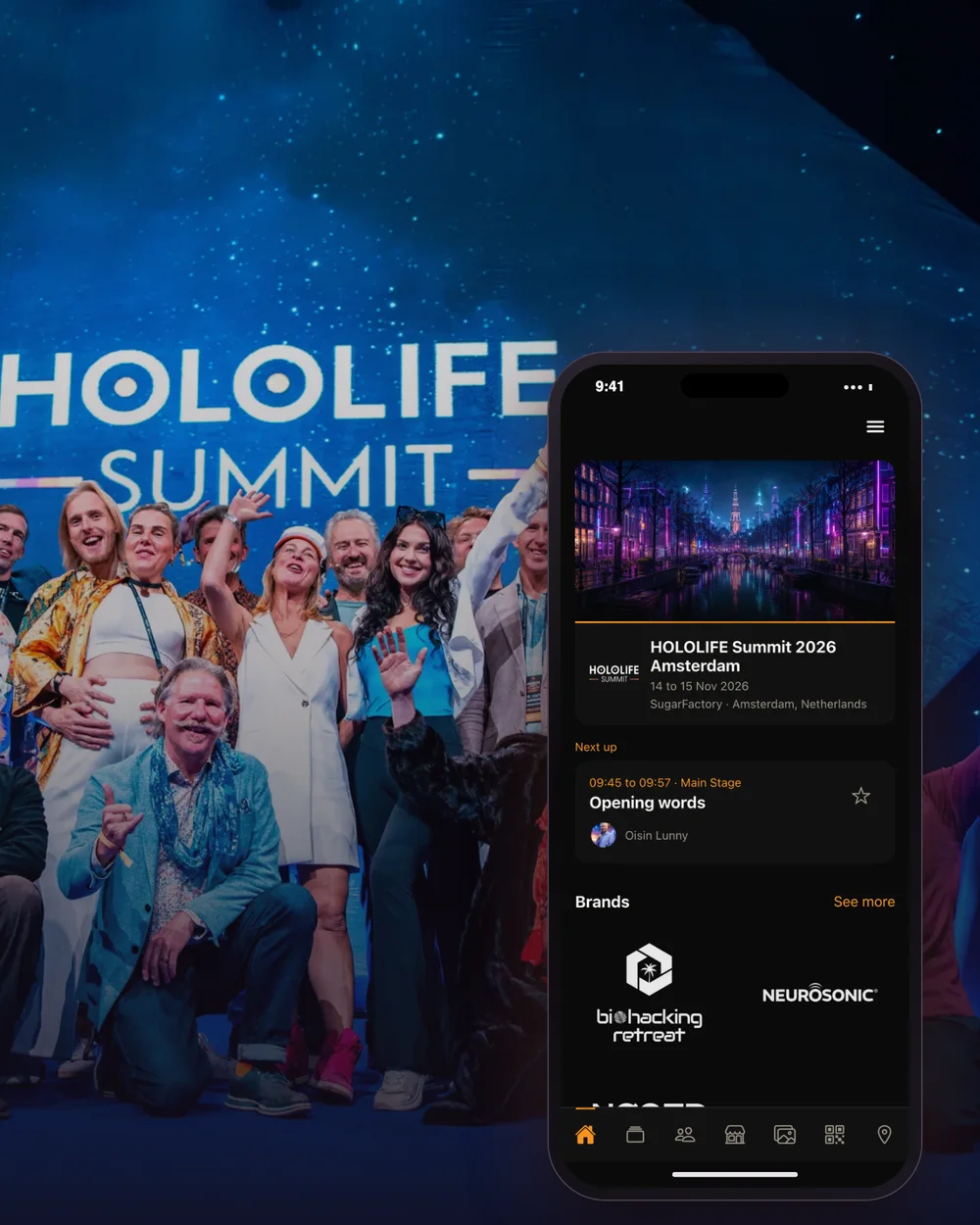
The HOLOLIFE Summit app puts your ticket, the full programme, speakers, brands and the venue on your phone. Star the sessions you want to see and it builds your own agenda for the weekend.
| The app | |
|---|---|
| Open it | app.wellnessindustry.io |
| Install | Add it to your home screen from Safari (iPhone) or Chrome (Android) |
| Sign in | The email your ticket was sent to |
| Costs | Nothing, and no app store needed |
What's in the app
Everything for the weekend in one place, made for your phone.
- 01
Your ticket. The QR code you show at the entrance, always at hand.
- 02
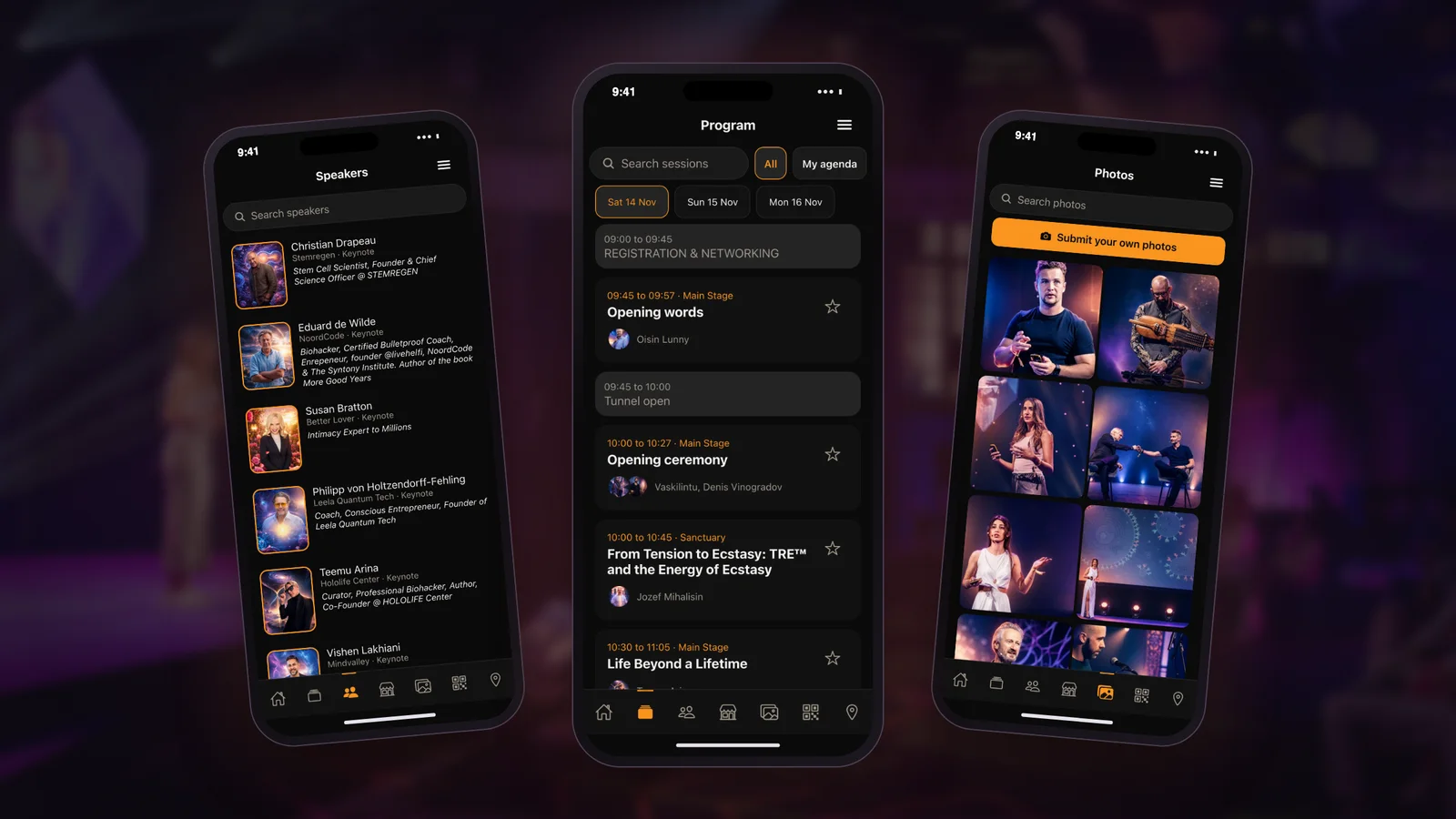
The programme. Every talk, workshop and session on all stages. Star the ones you want and they make up My agenda.
- 03
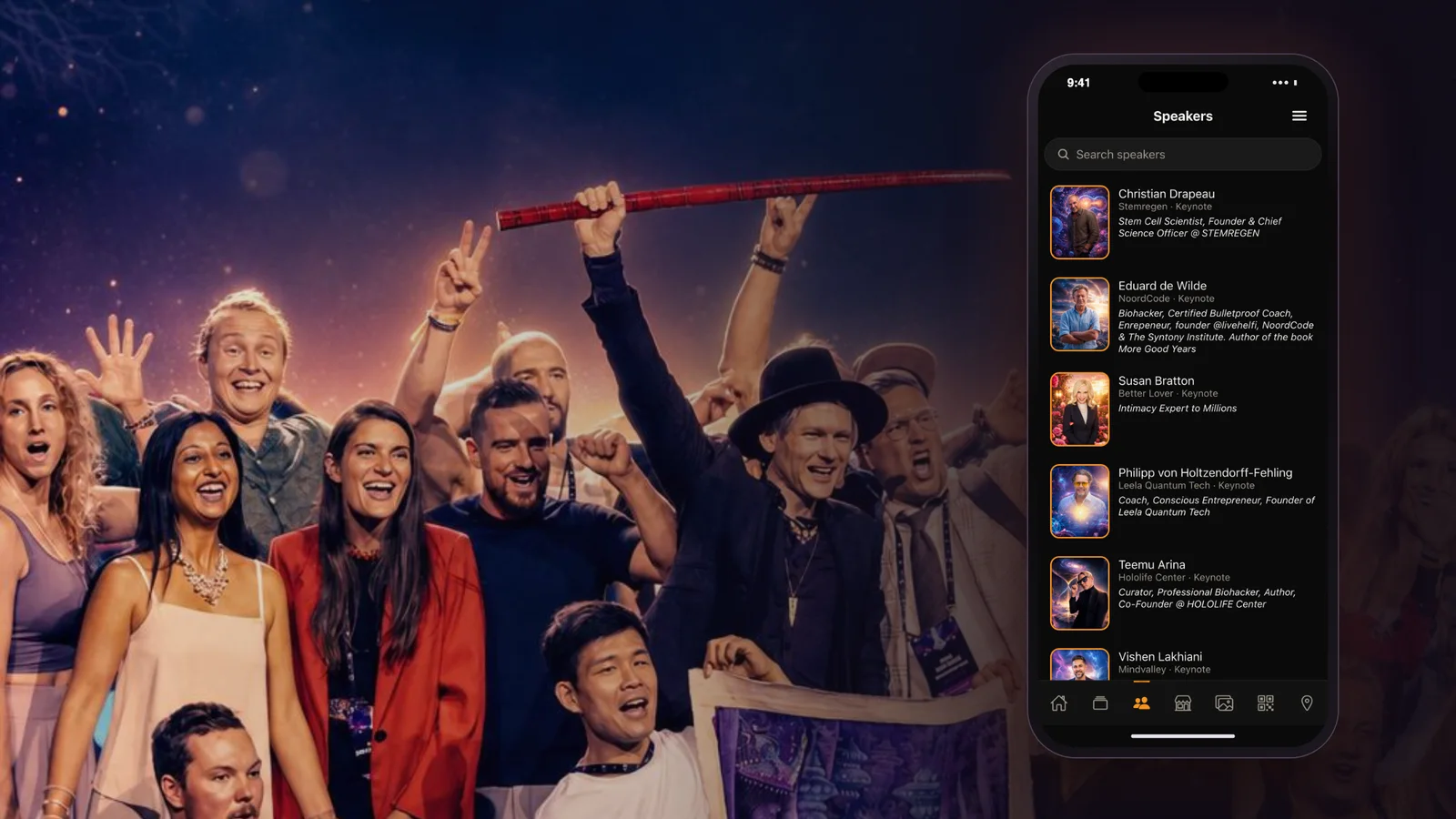
Speakers. Who is on stage, their bios and when they speak.
- 04
Brands. Every exhibitor and partner, and what they bring to the summit.
- 05
Venue. Where SugarFactory is, with directions in your maps app.
- 06
Photos. The event gallery, and a place to add your own photos.
Put it on your home screen
The app runs in your phone's browser, so there's nothing to download from an app store. Add it to your home screen once and it opens full screen, like any other app.
iPhone and iPad
- Open app.wellnessindustry.io in Safari.
- Tap the Share button (the square with an arrow pointing up).
- Scroll down and tap Add to Home Screen, then Add.
Android
- Open app.wellnessindustry.io in Chrome.
- Tap Install app if it appears, or open the ⋮ menu and tap Add to Home screen (or Install app).
- Confirm with Install or Add.
The icon is called Wellness Industry. On a computer, open the link on your phone instead.
Sign in
Sign in with the email address your ticket was sent to and your password. It's the same account as on wellnessindustry.io.
- No password yet? Use Set your password in your ticket email, or tap Forgot password in the app and we'll email you a link.
- Your ticket isn't showing? Tap Register with QR code and scan the QR on your ticket, or paste the ticket link from your confirmation email.
- Bought tickets for others? Each person signs in with their own email once you've assigned them a ticket in My Tickets.
Where to find it
- On your phone: the Wellness Industry icon on your home screen, once you've added it.
- In your browser: app.wellnessindustry.io. If it opens on the list of events, tap HOLOLIFE Summit 2026 Amsterdam.
- From your ticket: the ticket email, your ticket page and My Tickets on wellnessindustry.io all have an Open the event app button.
- At the entrance: open Tickets in the app and show your QR code. A printed or emailed ticket works just as well.
Questions
Does it cost anything?
No. The app is free, and there's nothing to buy or download from an app store.
I don't see Add to Home Screen on my iPhone.
Make sure you opened the link in Safari, then tap the Share button and scroll down the list. Inside another app's built-in browser (Instagram, Facebook, email) the option is missing, so open the link in Safari first.
Do I need the app to get in?
No. The QR on your ticket email or your ticket page gets you in too. The app just keeps it, the programme and your agenda in one place.
I'm exhibiting. Is there anything for my team?
Yes. Booth staff can collect leads in the app by scanning a visitor's ticket QR. Your brand admin first turns on booth staff for your ticket in My brand; then sign in to the app again.
Something isn't working.
Reply to your ticket confirmation email with what you see and which phone you use, and we'll help you.
Trouble with the app?
Sign in to see how to reach us